The only universal charger app in the world.
Plugchoice is the first and only OCPP app that works as a universal remote for any compatible EV charger. One app for end-users and installers.
Works with every OCPP-compatible charger.
The app normalizes the charging experience across brands. Same interface, same features, regardless of charger manufacturer.
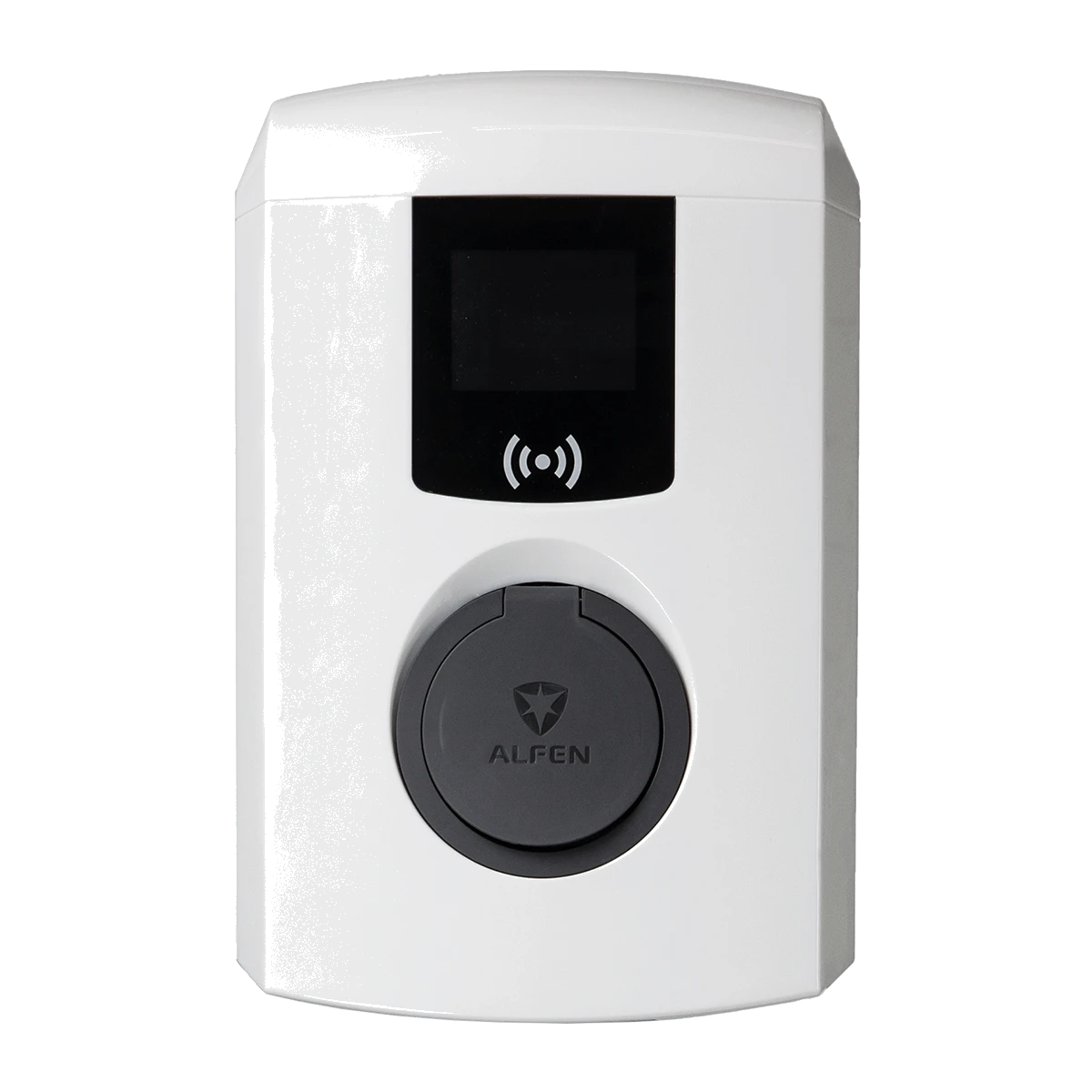
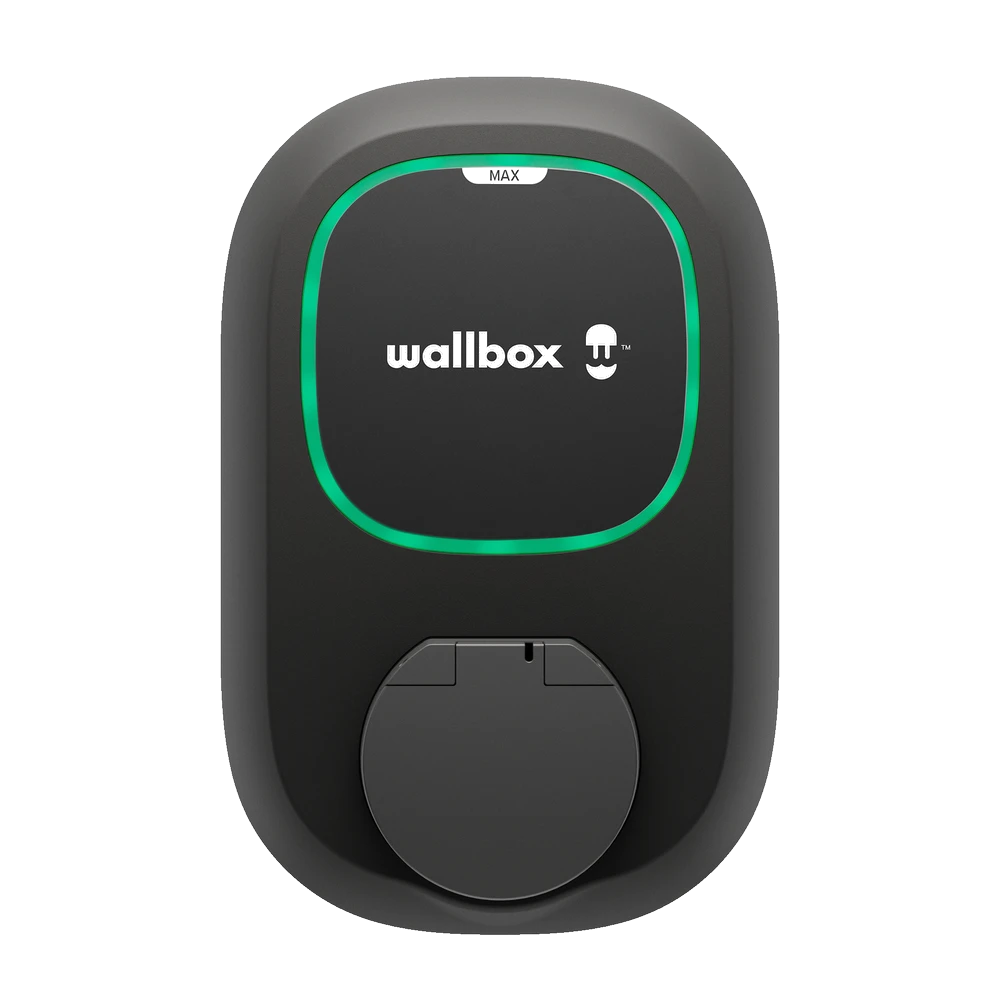
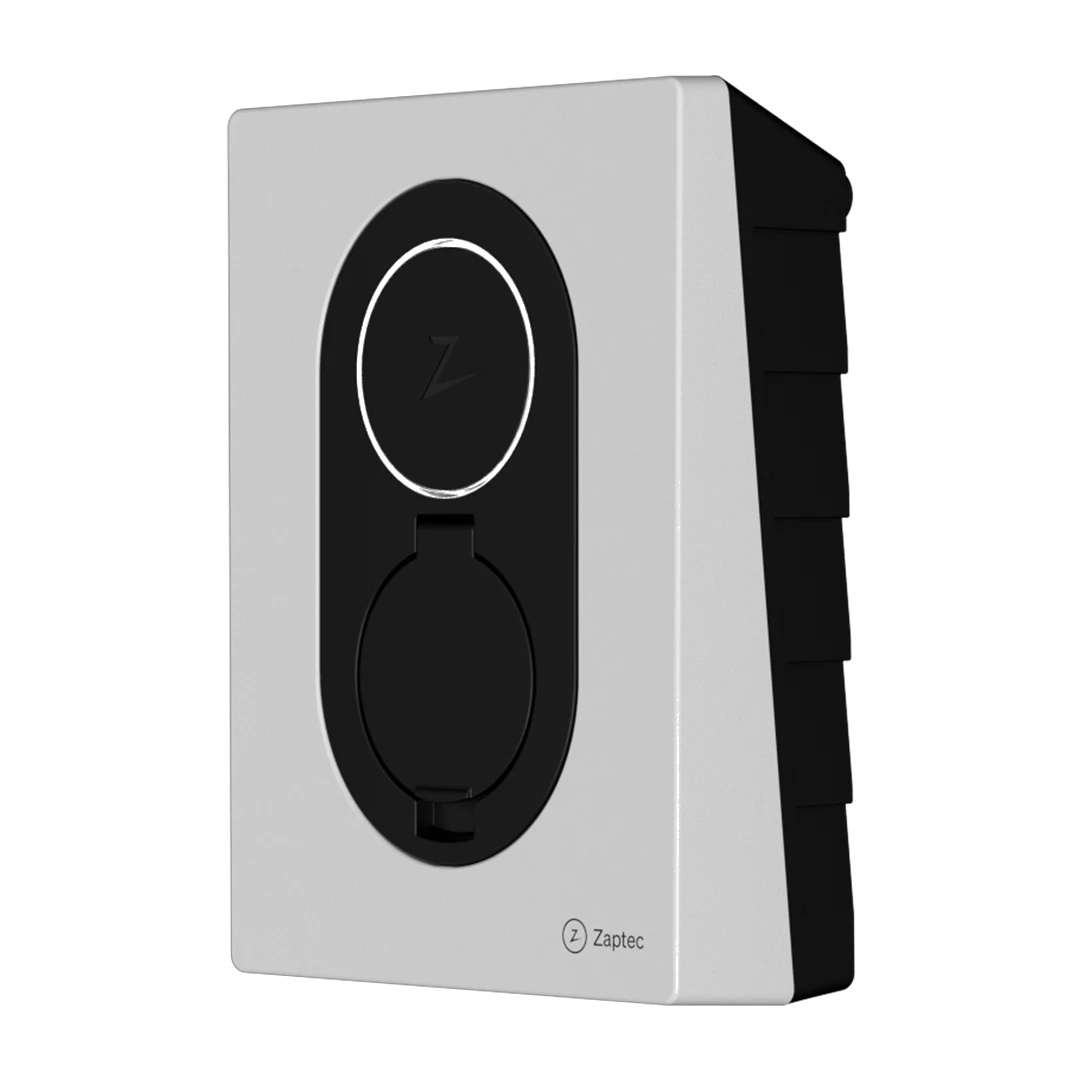

What the app can do.
For end-users
Control
- Start, stop and monitor sessions remotely
- Lock charger and set autostart
- Boost mode for maximum charging speed
- Manage multiple chargers and locations
For end-users
Access and cards
- Add and manage RFID charge cards
- Transaction history with kWh tracking
- Invite members to locations
- Control who can charge where
For installers
Setup and configuration
- Create locations and addresses
- Add and configure chargers on-site
- Wirelessly add energy meters
- Changes sync with web portal instantly
Smart Charging in your pocket.
- Dynamic Load Balancing
Distribute available power across chargers automatically.
- Solar Balancing
Charge from solar surplus when available.
- Peak Shaving
Stay within grid capacity limits to avoid peak charges.
- Dynamic tariffs
Charge at the lowest energy prices based on real-time rates.
- Scheduled charging
Set charging windows that match your preferences or tariff schedule.
Cards, transactions and operator connection.
- Charge cards
Add and manage RFID cards per charger or location. Control who has access.
- Transactions
See every session with timestamps, kWh and connector details. Same data as the web portal.
- Operator connection
Connect a billing or management operator via the OCPP Proxy. Runs parallel to the Plugchoice platform.
In-app support, built in.
Get help without leaving the app. End-users can message support directly, installers can call. Share photos and context to resolve issues faster.
End-user chat starts in app
Plugchoice picks it up
Installer picks up the conversation
Root cause found, fix applied remotely
Customer receives the full resolution
Chat history and next steps included
Installer workflow. From mounting to handover.
The app guides installers through the full commissioning flow. Set up the charger, configure power management, connect an operator and hand over to the customer.
Create location
Set up the installation address and site details.
Add a meter
Connect an energy meter for power management.
Add charger
Register the charger to the location via the app.
Configure
Apply charger settings and preferences wirelessly.
Add charge cards
Register RFID cards for the customer.
Connect operator
Link a billing or management operator via OCPP Proxy.
Invite and hand over
Transfer the installation to the customer with a single invite.
Return for service
Come back later through the app or web portal if changes are needed.

One platform, three interfaces.
The app, web portal and API all operate on the same Plugchoice platform. Changes made in one interface are immediately reflected in the others.
App
Mobile control for daily use and on-site installation work.
- Real-time sync across all interfaces
- Same charger data, same locations, same support context
- Start in the app, continue in the web portal
Explore the platform.
Web Portal
Professional backoffice for charger fleet management and diagnostics.
Web PortalOCPP Proxy
Run Plugchoice alongside any existing operator without disruption.
OCPP ProxySupport
In-app chat, remote diagnostics and fast human response.
SupportWhite-label
Custom branding, domains and a fully branded app experience.
White-labelReady to get started?
Connect your chargers to Plugchoice and give your customers a better charging experience.