Chargepoint backoffice for professionals.
The central backoffice for charger suppliers and installers. Manage multiple locations, run diagnostics, configure power settings and control chargers remotely.
One platform. Total control.
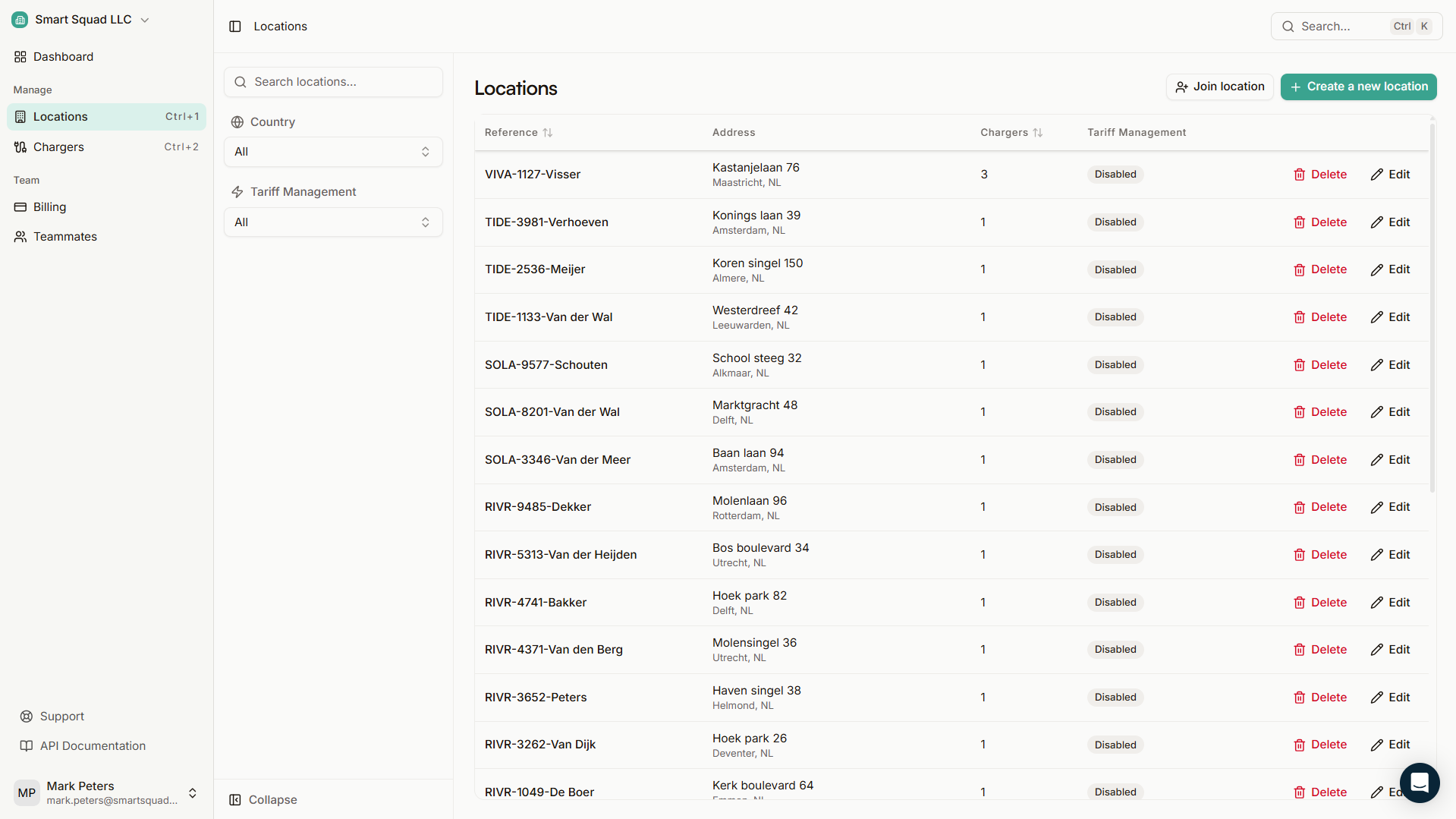
A location (or site) groups chargers and defines who has access, how power is managed and what tariffs apply. Most day-to-day operations happen here.
Deploy and operate
- Bulk-add locations and chargers
Pre-configure settings before installation and invite end-users to their site.
- Structured tables and filters
Locations, chargers and connectors organized with search and bulk actions.
- Teams and access control
Invite teammates, assign roles and manage permissions per location.
Diagnose and control
Deploy chargers in minutes. Scale without complexity.
Add locations, pre-configure charger settings and invite end-users before you even visit the site. Bulk operations and structured tables keep your fleet organized as it grows.
- Bulk-add locations and chargers from the portal
- Pre-configure settings before installation
- Invite end-users and assign access per site
- Structured tables with search, filters and bulk actions
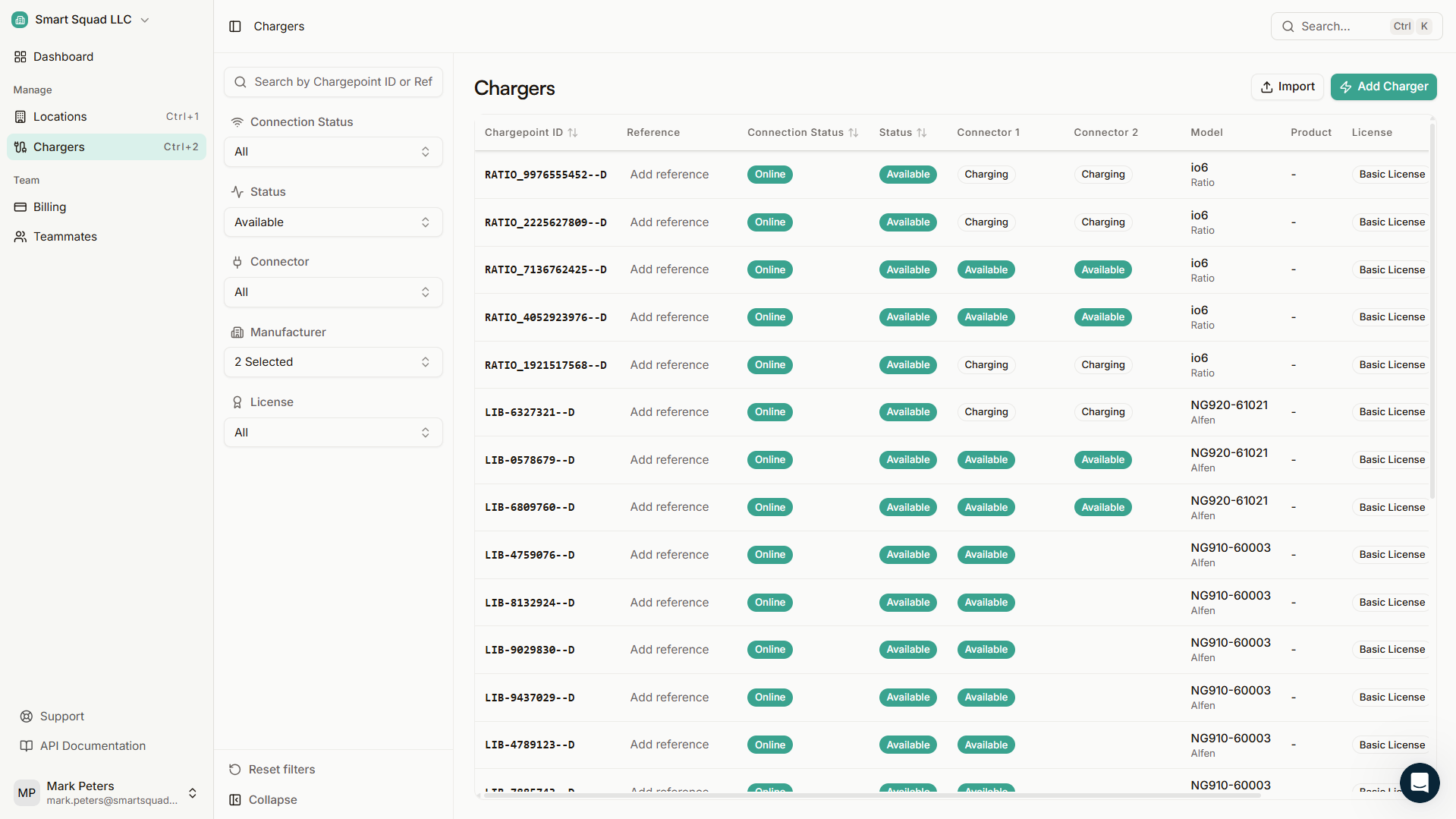
Diagnostics and control. Everything you need per charger.
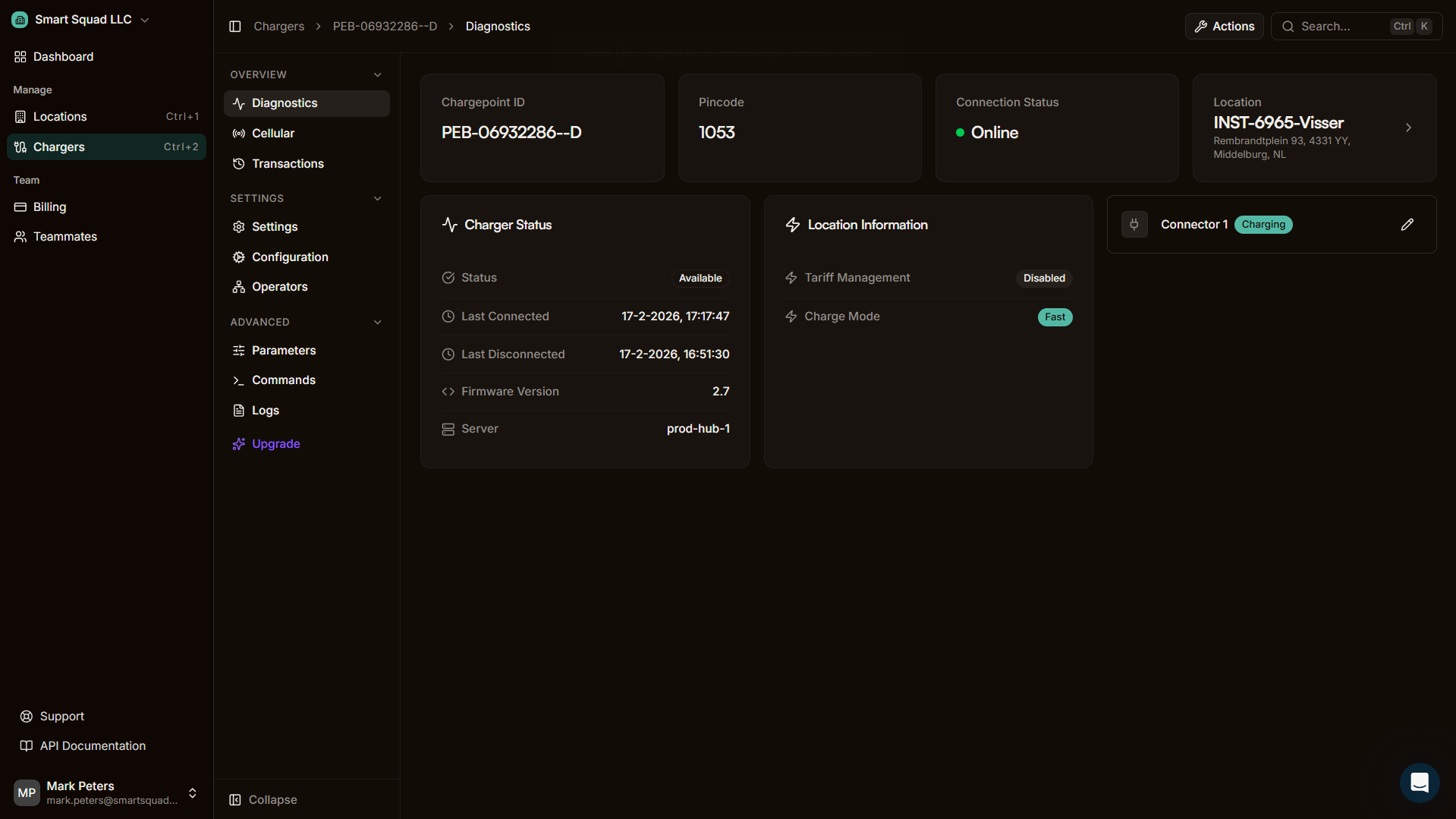
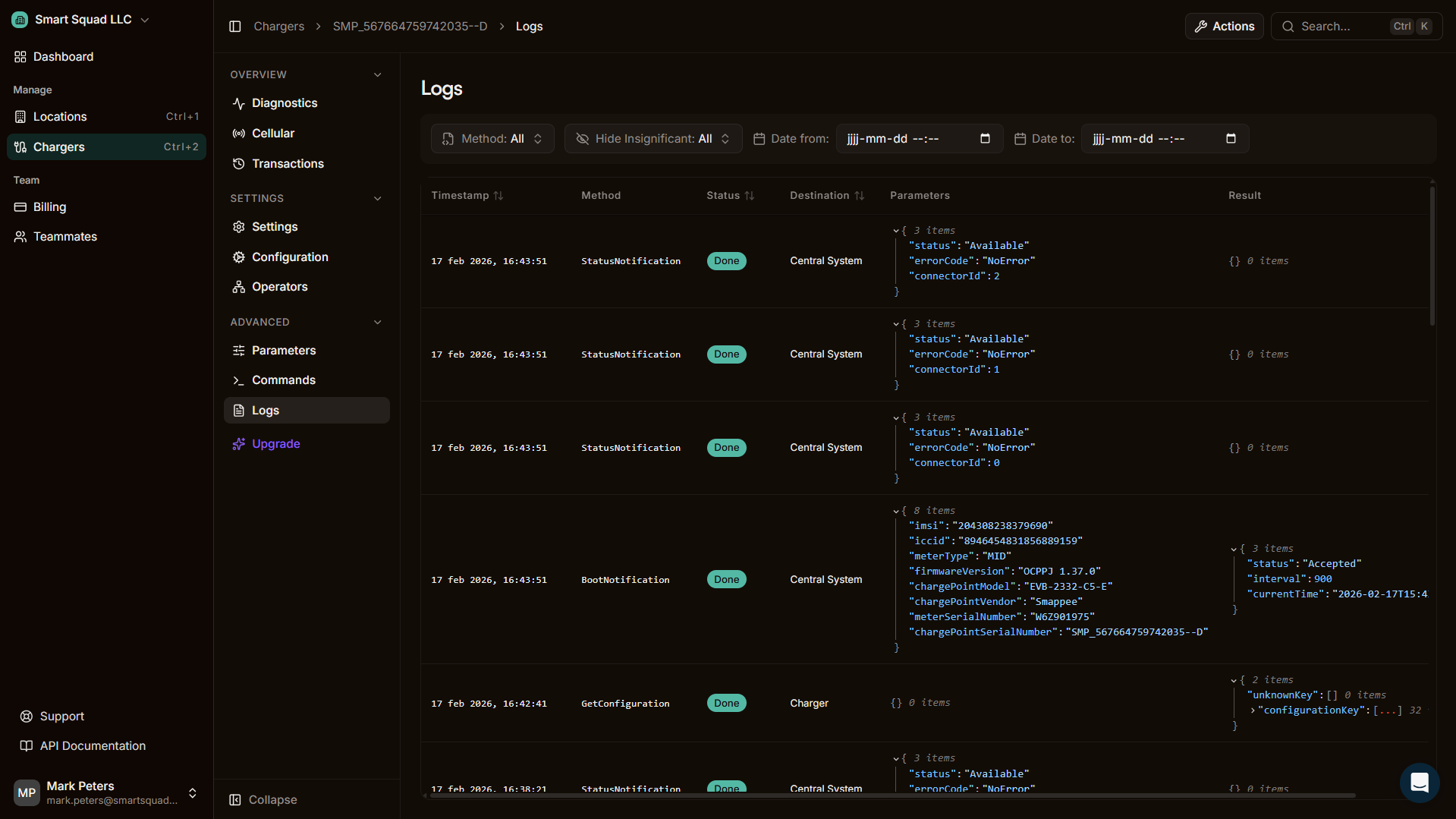
Drill into any charger for full diagnostics, remote control and OCPP-level access. Designed for support teams and engineers.
Diagnostics
Status, firmware version, identifiers and health indicators.
Connectivity
Connection status and cellular info (where supported by the charger).
Transactions
Charger-scoped sessions with export.
Settings
Toggles like autostart, lock and availability.
Configuration
(Re)configure charger settings remotely.
Operators
Connect to other platforms via OCPP Proxy.
Parameters
Advanced OCPP configuration keys. Change with care.
Commands
Actions, advanced OCPP commands and remote triggers.
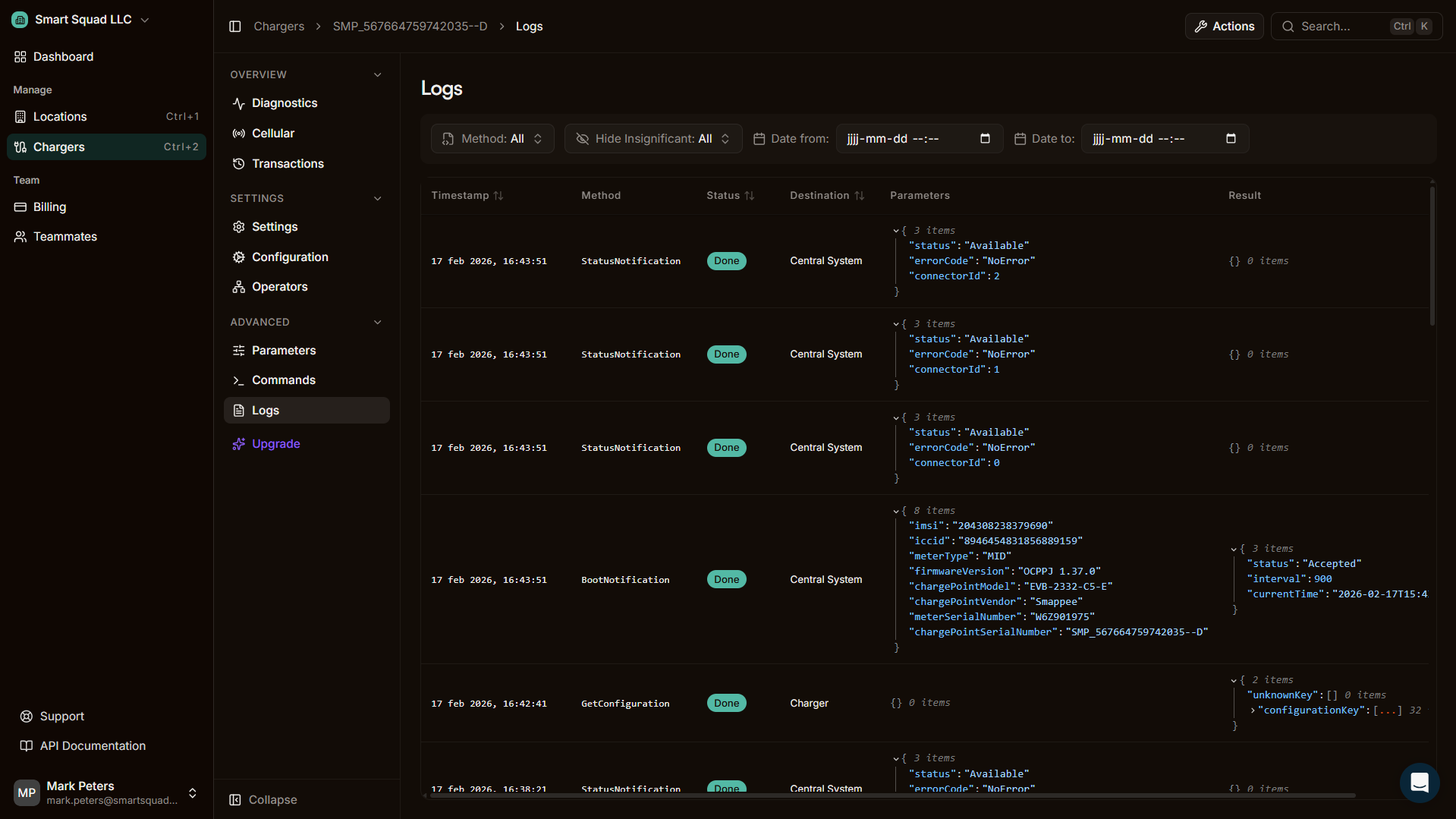
Logs
Live event logs and full OCPP message history.
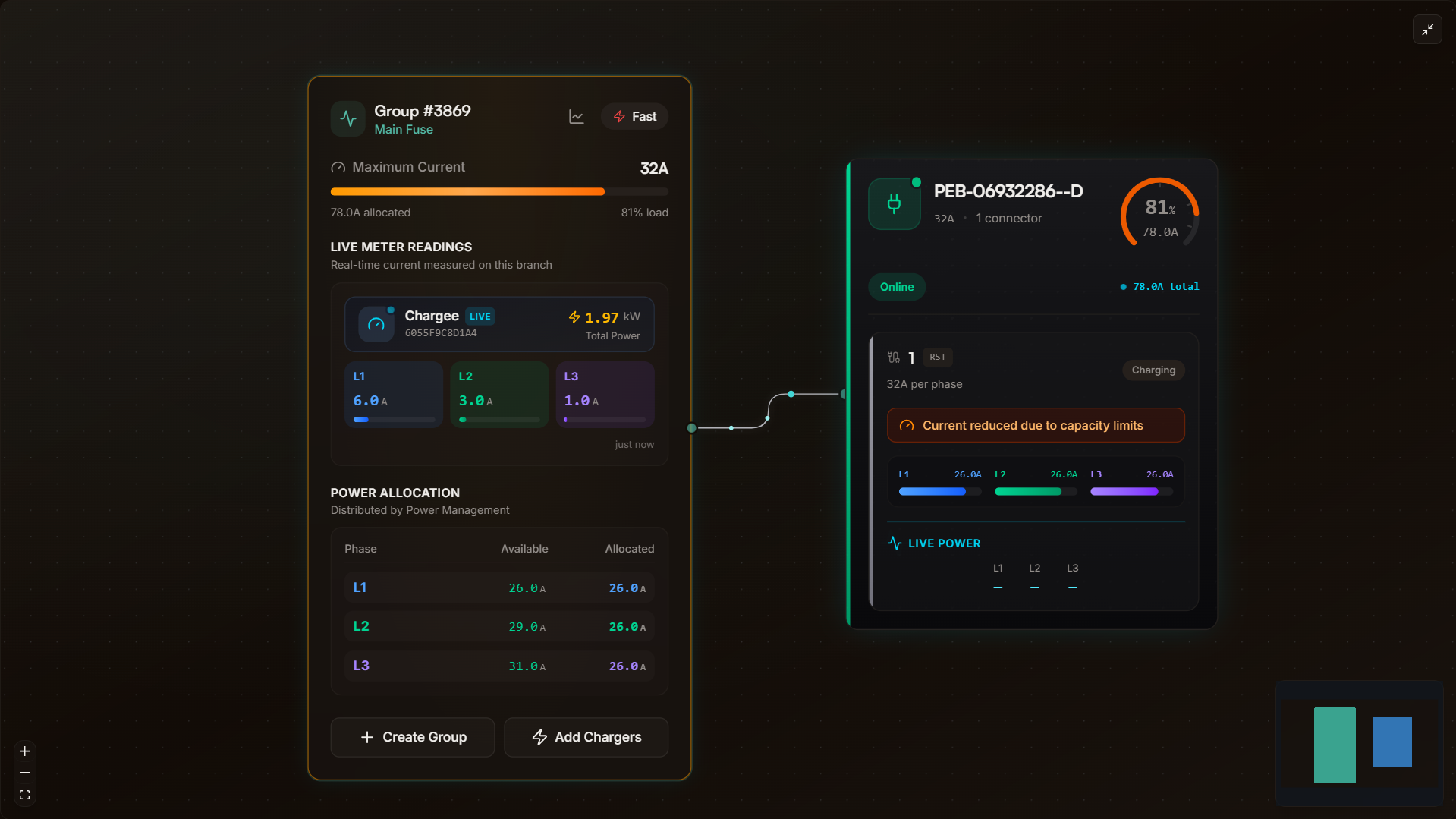
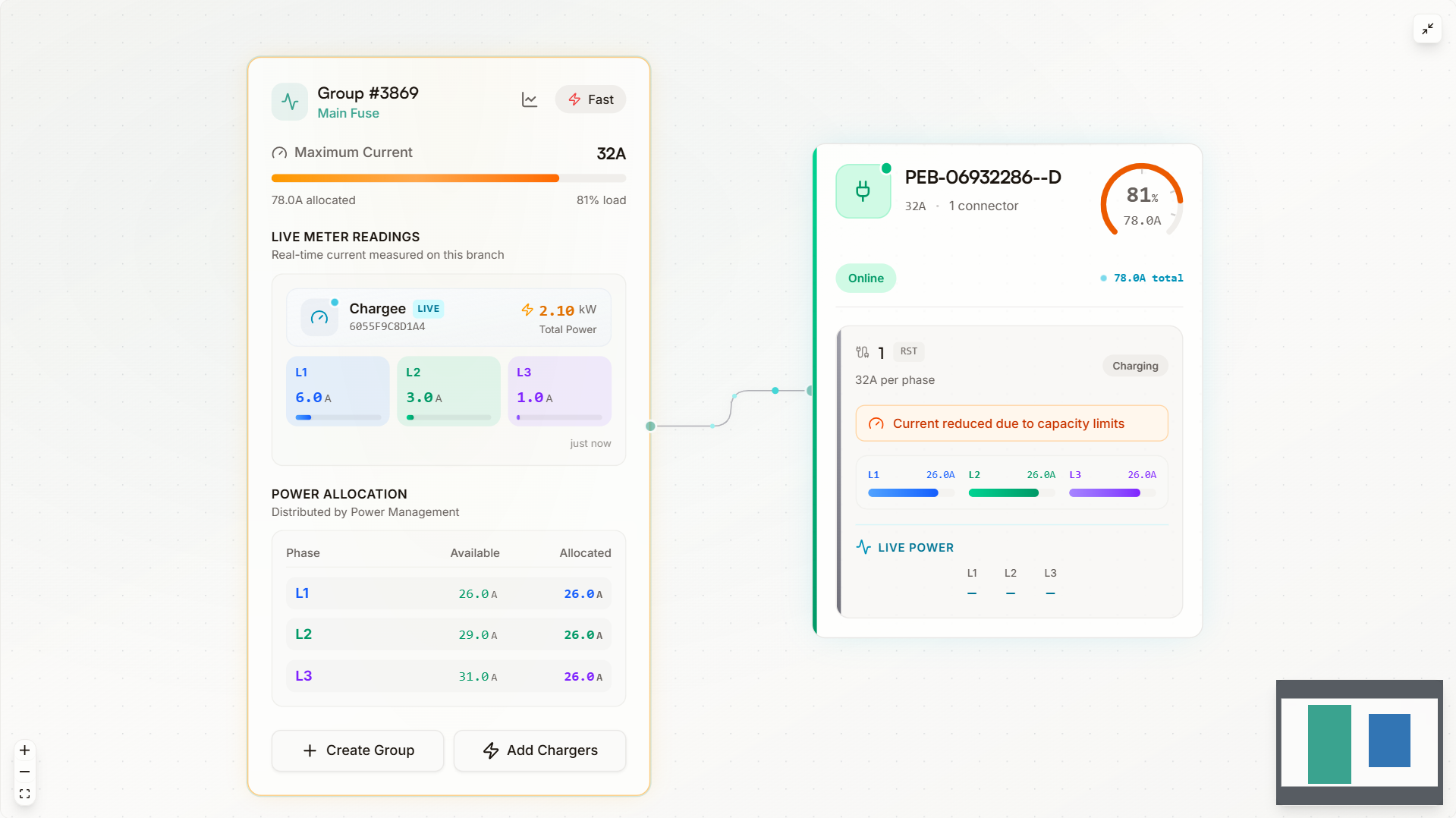
Power management at scale. Multi-group, visual, per site.
Manage multiple chargers under one site power budget. Group chargers, assign meters, set limits and balance loads across larger installations. The visual configurator makes complex setups clear.
Make it fit your brand.
Branding
Set your logo, colors and identity across the portal and app. Your customers see your brand, not ours.
Custom domain
Serve the portal from your own domain. SSL included, no development required. Your team works from your URL.
Partner-fit
Offer Plugchoice as part of your proposition to customers. Co-branded or fully white-labeled.
Set your logo, colors and identity across the portal and app. Your customers see your brand, not ours.
Serve the portal from your own domain. SSL included, no development required. Your team works from your URL.
Offer Plugchoice as part of your proposition to customers. Co-branded or fully white-labeled.
Always connected. Portal, app and API in sync.
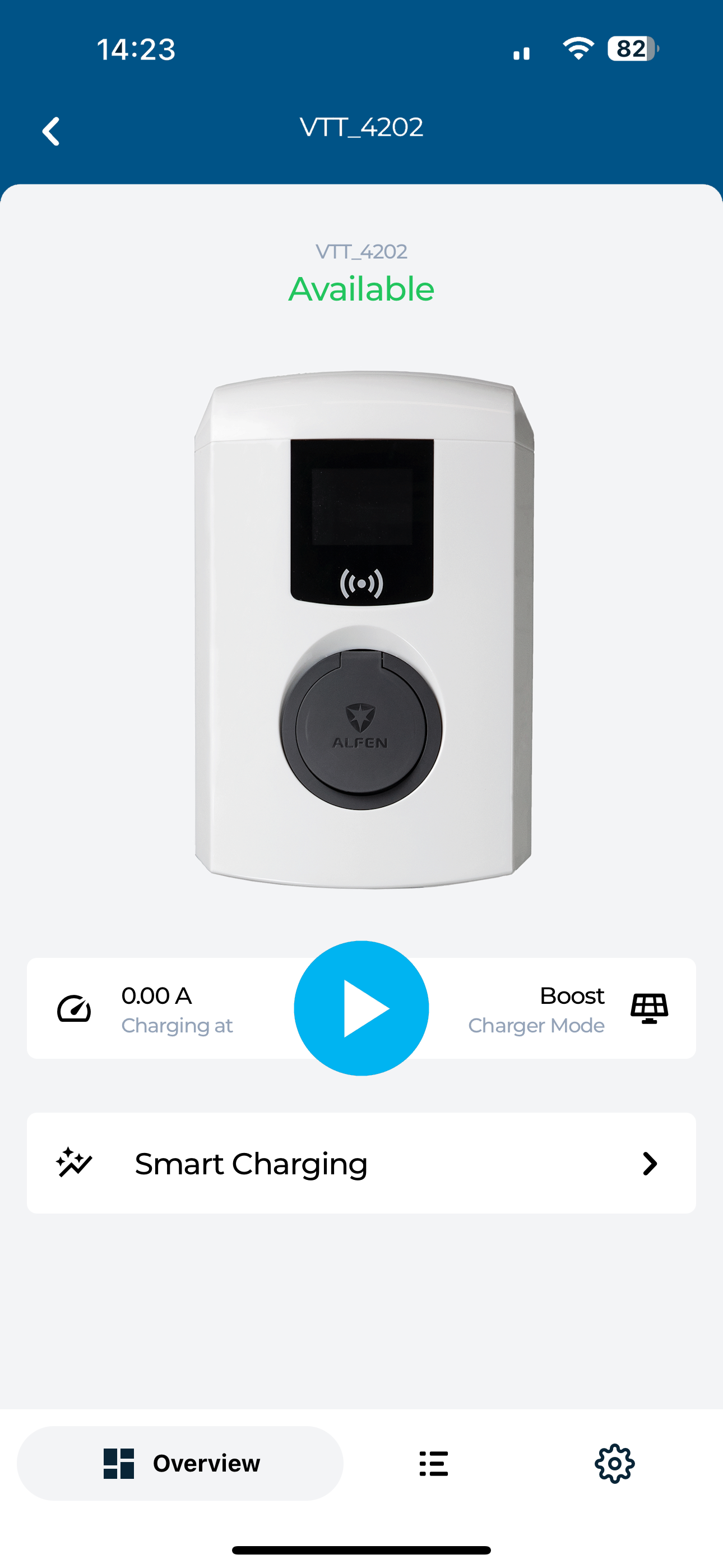
Everything you configure in the portal is instantly available in the app and accessible through the REST API. Same data, same settings, same experience across every interface.
- 1:1 feature parity across portal, app and API
- Changes sync instantly to every interface
- Build your own integrations with the REST API