Configure chargers and sites correctly, remotely, at scale
Full control over charger and site configuration. Prepare installations in advance, configure on-site or remotely, and reconfigure without returning.
What you configure.
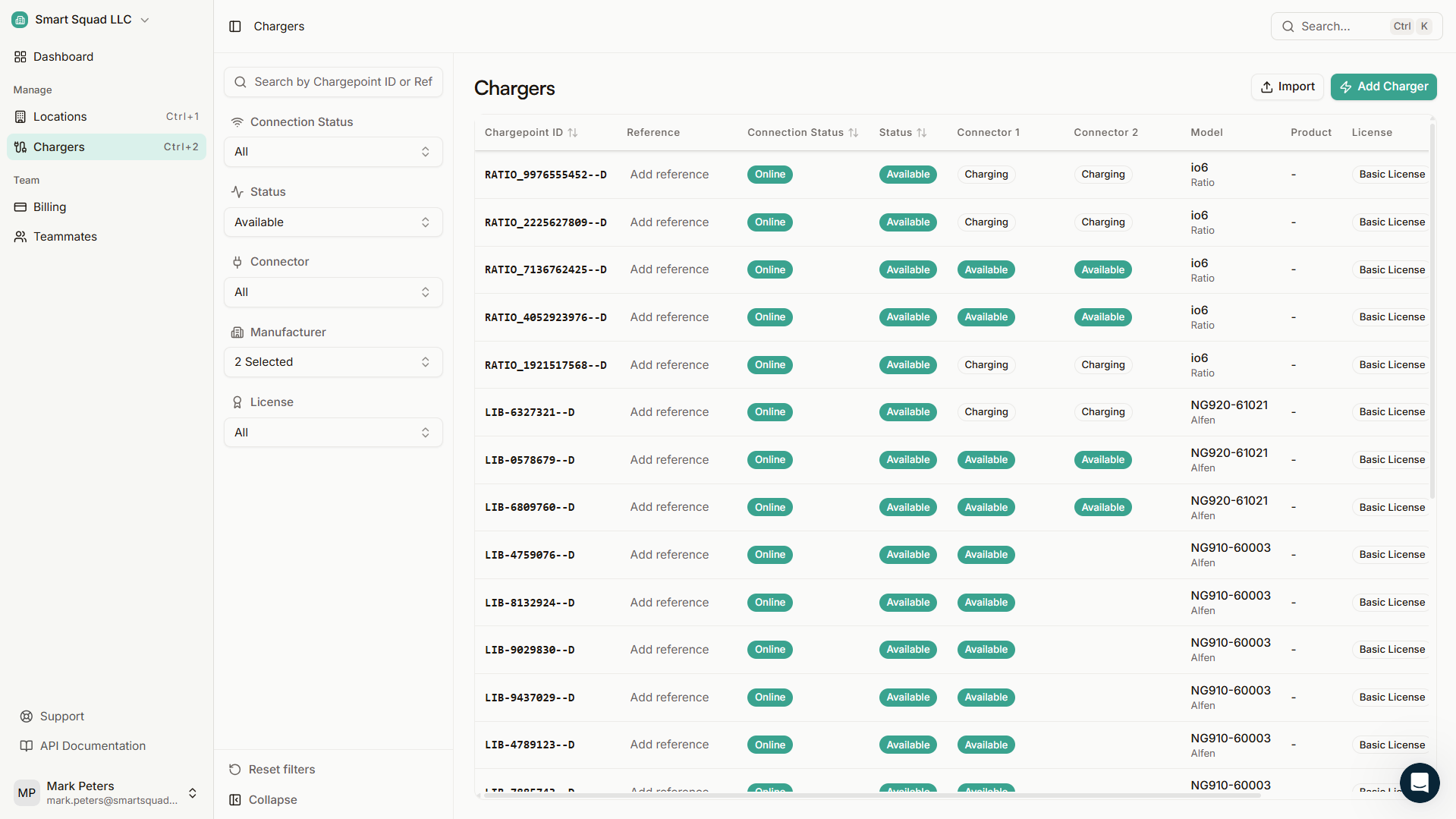
Charger configuration
- Maximum amperage and power limits
- Phase rotation and phase assignment
- Charger-level behavior and operational modes
- Installation variables specific to each setup
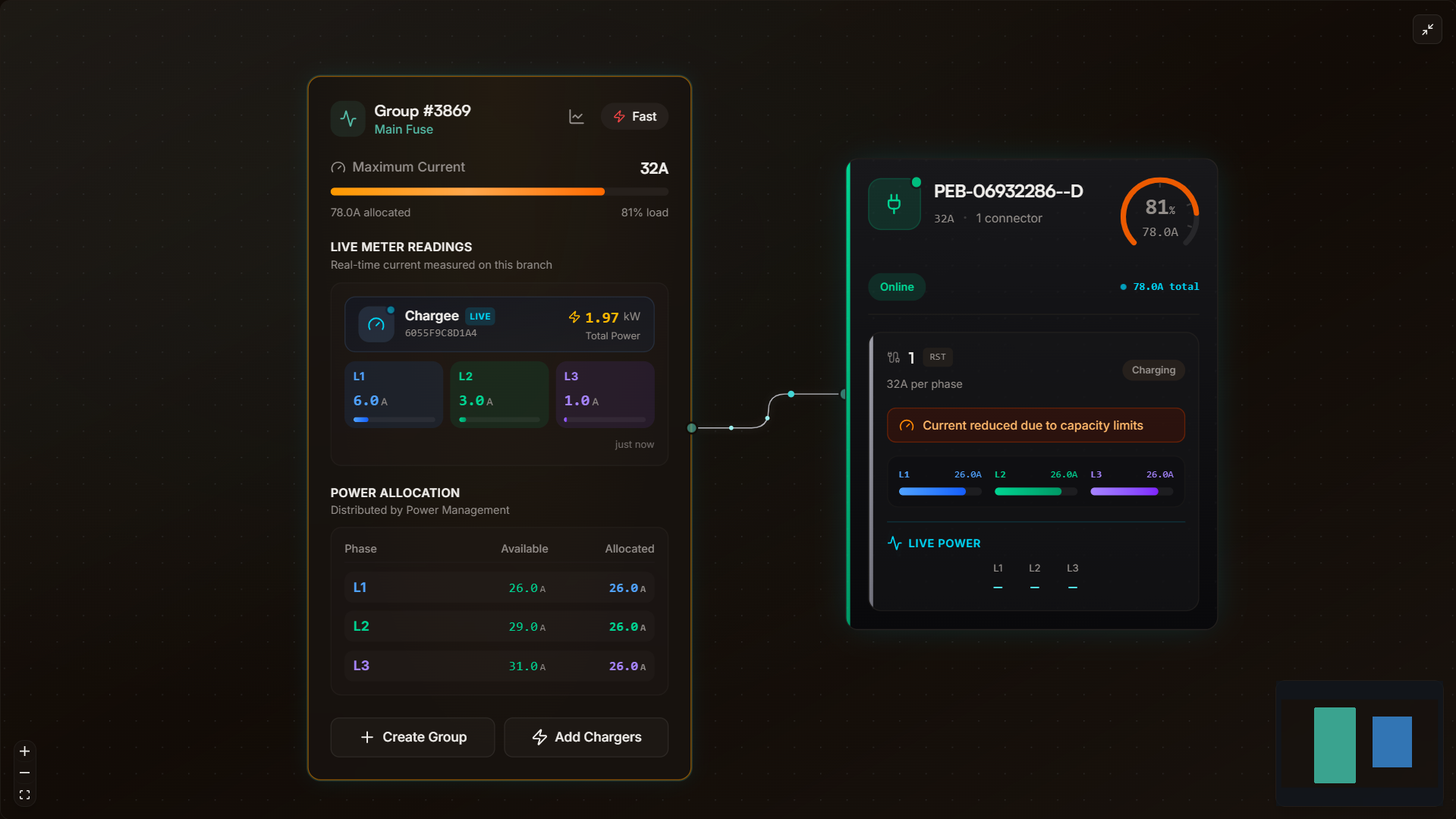
Site and grid configuration
- Grid type and connection capacity
- Number and rating of fuses
- Charger grouping and subgrouping
- Parallel grouping for Power Management
How you configure.
Whether you use the app on-site or the web portal from your office, configuration reaches every charger in your fleet.
Configure remotely
Use the app on-site or the web portal from your office. Configuration reaches every charger without physical access.
Pre-configure installations
Prepare settings before chargers go online. When they connect, configuration injects automatically.
Configure at scale
Apply settings across your entire fleet. One action configures every charger at a location.
Full traceability
Every change is logged with who, what, and when. Full accountability per charger and per site.
Two interfaces. Full configuration control.
With the app
Open the app, configure the charger. It's that simple. On the go, on-site, or from the car. The fastest way to configure chargers and handle day-to-day installer work.
With the Web Portal
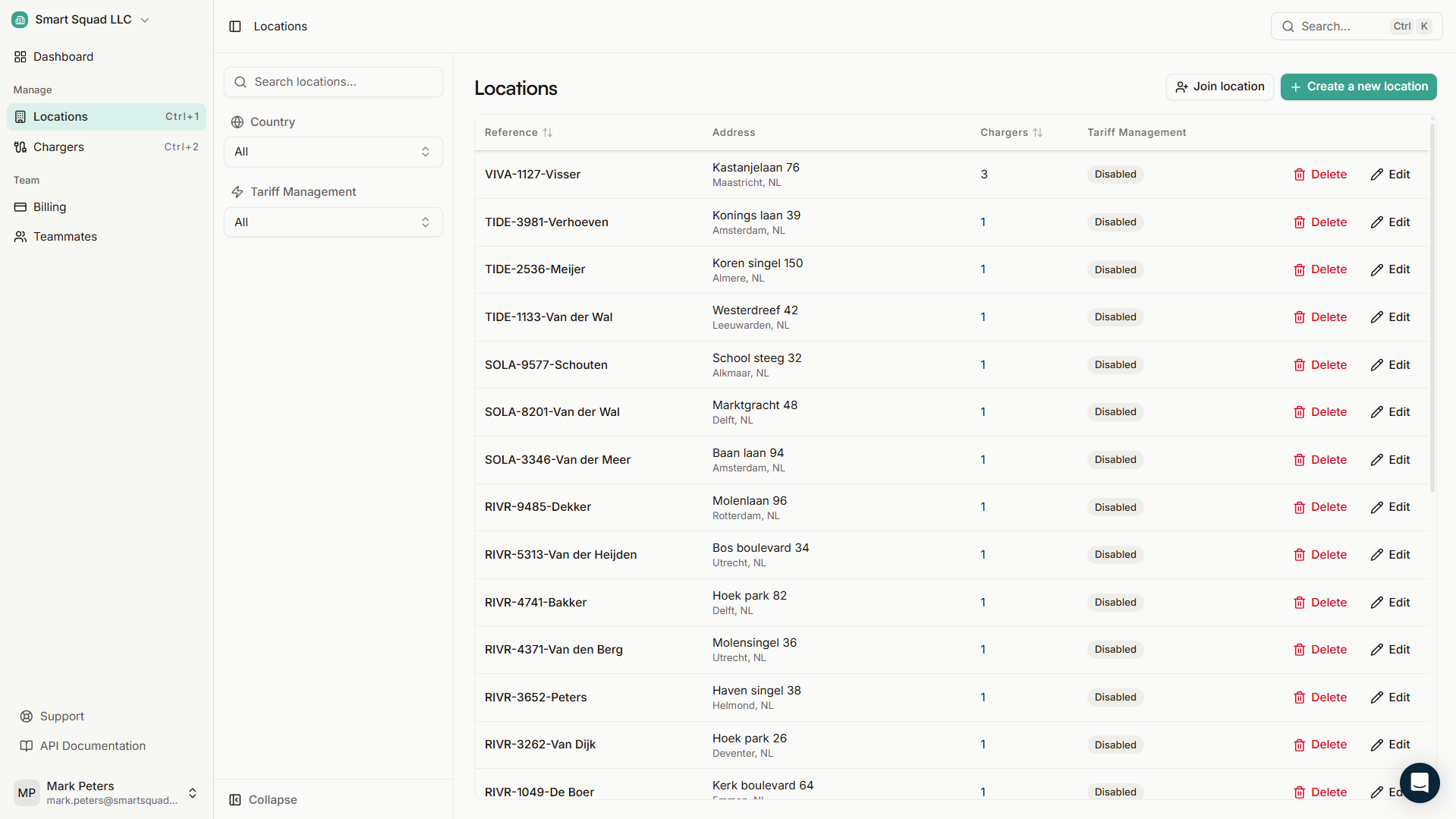
Prepare complete installations before arriving on site. Define group structures, parallel groups, multiple meter points and Power Management settings. Configure in bulk and let chargers pick up their settings automatically when they connect.
Less time on-site.
Fewer return visits.
More control.
Who. What. When.
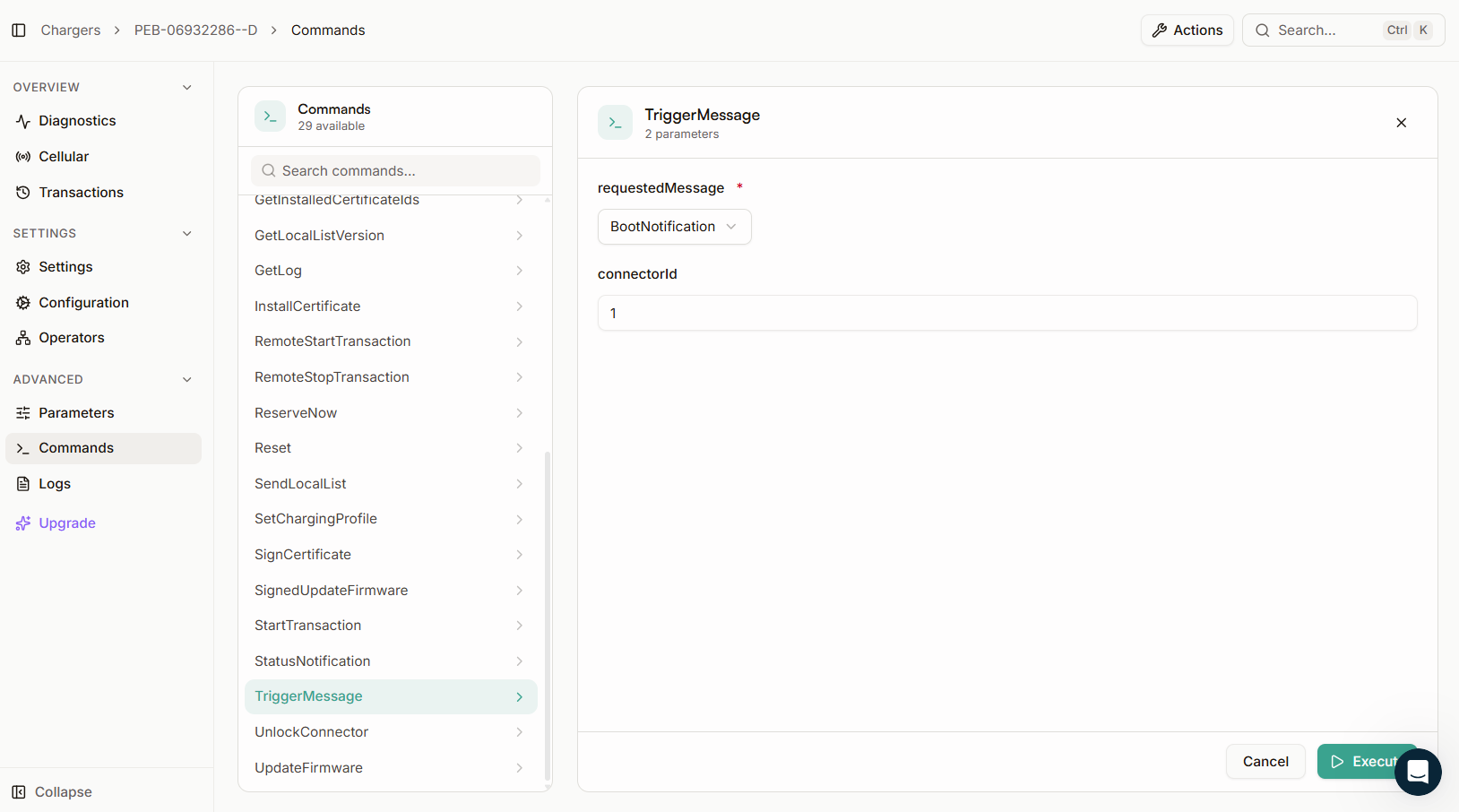
Reconfigure remotely by default. Adjust parameters, update settings, restructure grouping from the portal or app. Every change is logged automatically.
- Who made the change
- What was changed
- When it happened
- Full history per charger and per location
Most advanced power management. Simplest configuration.
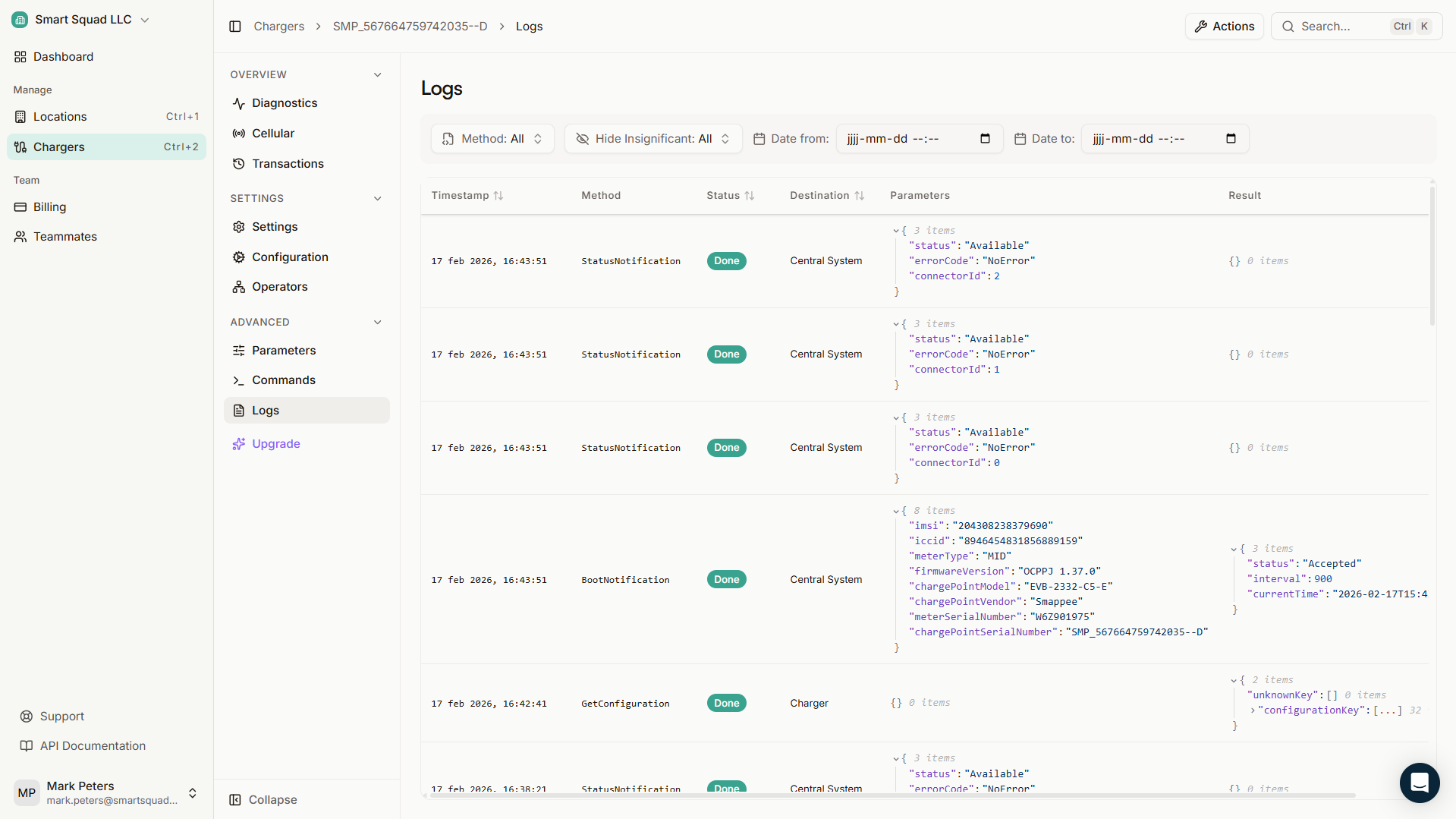
Power Management, load balancing, and peak shaving depend on accurate site configuration. Groups, subgroups, fuse ratings, and grid connections need to be right for the system to perform. Plugchoice makes sure the foundation is solid before smart features take over.
Ready to simplify your installations?
Connect any OCPP charger to Plugchoice. Free to use, ready in minutes.